
It was fine yesterday. You were streaming, scrolling, maybe even video calling without a hiccup. Then this morning, your phone loaded a single webpage like it was dial-up in 2003. Nothing changed on your end. Your plan is the same. Your phone is the same. But your internet? It’s crawling.
Before you throw your phone across the room or call your carrier in a rage, take a breath. Sudden mobile slowdowns are incredibly common, and they almost always have a specific cause. The trick is figuring out which one is sabotaging your signal right now.
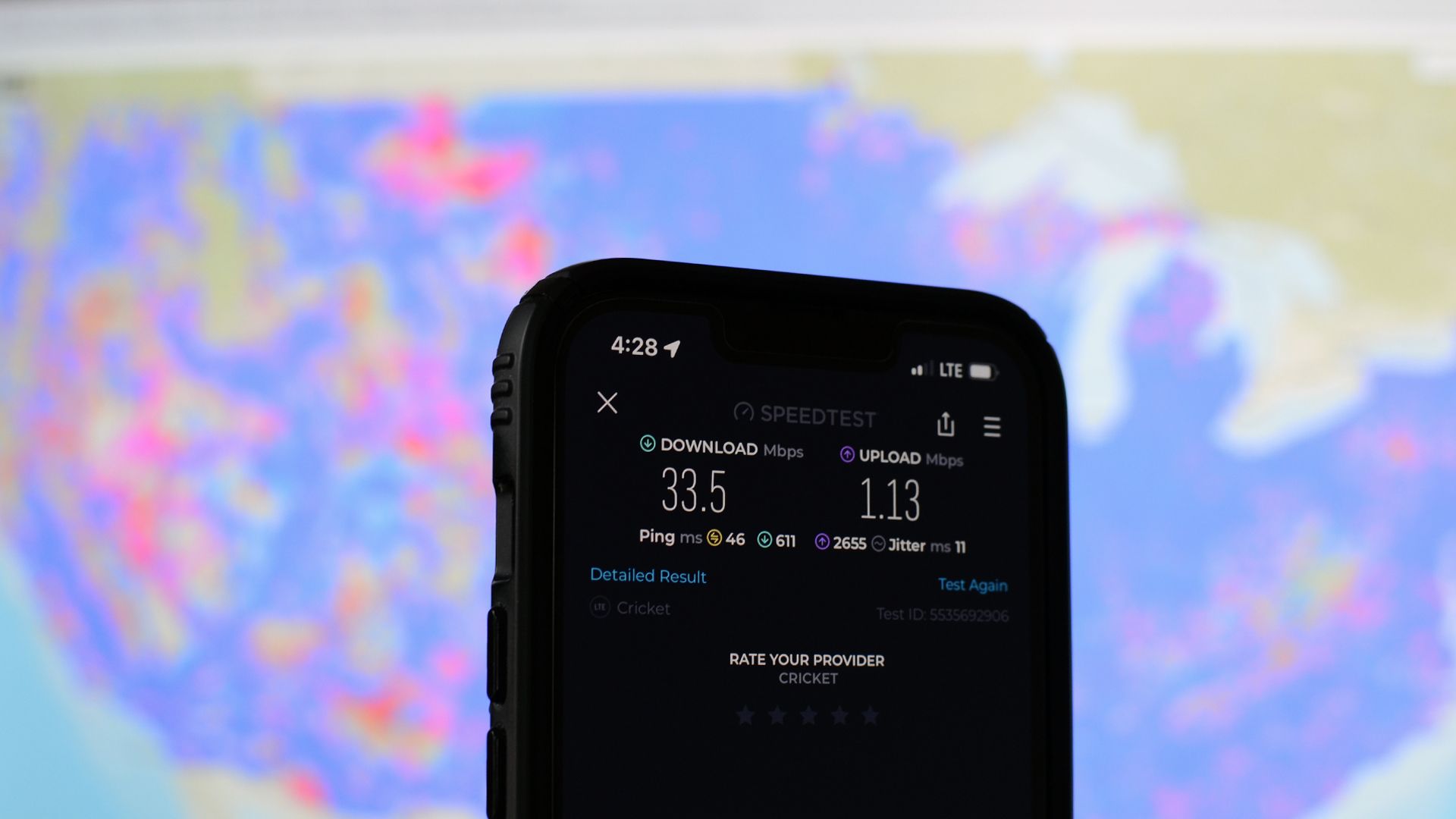
Network Congestion: The Rush Hour Problem
Mobile networks are shared resources. Every person connected to the same cell tower is splitting the available bandwidth like slices of a pizza. During off-peak hours, you get a huge slice. During rush hour, you’re fighting for crumbs.
If your internet suddenly slowed down, check the time. Mornings between 8 and 10 AM, lunch breaks, and evenings from 5 to 9 PM are peak congestion windows. Everyone’s commuting, streaming music, or doom-scrolling at once. Your carrier’s network can handle a lot, but it has physical limits. When too many devices hit the same tower, speeds drop for everyone.
This is especially brutal at concerts, sports events, airports, and crowded shopping centers. Your phone might show full bars but deliver speeds slower than a carrier pigeon. It’s not broken. It’s just overwhelmed.
Data Deprioritization: The Fine Print That Bites
Here’s a dirty secret of the wireless industry: “unlimited” doesn’t always mean unlimited speed. Most carriers offer tiered plans where premium users get priority access to the network, while budget or prepaid customers get shoved to the back of the line during congestion.
If you’ve hit your plan’s high-speed data cap — usually somewhere between 22GB and 50GB — your carrier may be throttling you. Not to unusable speeds, but enough that streaming stutters and downloads crawl. The worst part? They don’t always tell you clearly. It’s buried in your plan details under words like “deprioritization” or “network management.”
To check, look at your carrier app or dial a short code to see your current data usage. If you’re near your cap, that’s your culprit.
5G Isn’t Always Faster
Your phone says it’s connected to 5G, so why does it feel like 3G? Because 5G comes in multiple flavors, and most of what you see on your status bar is low-band 5G — essentially 4G LTE wearing a 5G costume. It covers wide areas but doesn’t deliver the blazing speeds you’ve seen in ads.
True high-speed 5G requires mid-band or millimeter-wave signals, which are limited to specific areas and can be blocked by walls, trees, and even rain. If you moved from a mid-band zone to a low-band zone, or if weather interfered with the signal, your speeds can drop dramatically without your phone ever changing the “5G” icon.
Sometimes your phone is even smarter than you want it to be. It might cling to a weak 5G signal instead of dropping to a stronger 4G LTE connection. Manually toggling airplane mode on and off can force your phone to re-evaluate and connect to the best available network.
Background Apps Are Bandwidth Vampires
Your phone is never truly idle. Apps sync, update, download, and phone home constantly. iCloud, Google Photos, Spotify, Netflix, and your operating system itself might be pulling massive files in the background without any visible notification.
iOS and Android both have data usage trackers. On iPhone, go to Settings > Cellular and scroll down to see which apps are hogging data. On Android, head to Settings > Network & internet > Data usage. If one app suddenly spiked, it might be syncing photos, downloading an update, or refreshing content nonstop.
Social media apps are particularly greedy. TikTok, Instagram, and YouTube preload videos to make scrolling smoother. That’s great for user experience, terrible for your bandwidth.
Your Phone Might Be the Bottleneck
Sometimes the network is fine and your phone is the problem. An outdated operating system, a buggy app, or a failing modem can all masquerade as slow internet.
Try these quick diagnostics:
- Restart your phone. Seriously. It fixes more than you’d think.
- Toggle airplane mode. This forces your phone to reconnect to the network fresh.
- Check for OS updates. A buggy radio firmware can destroy connectivity.
- Test with another device. If your laptop on the same network is also slow, it’s the network. If only your phone is slow, it’s your phone.
Weather, Buildings, and Physical Barriers
Radio waves don’t pass through concrete and steel easily. If you moved indoors, underground, or behind a thick wall, your signal strength can plummet. Heavy rain, snow, and even dense humidity can weaken cellular signals. It’s not a myth — water absorbs high-frequency signals, and 5G is particularly vulnerable to it.
Your phone might still show two or three bars, but bars measure signal strength, not signal quality. You can have “good” bars and terrible speeds if the connection is noisy or congested.
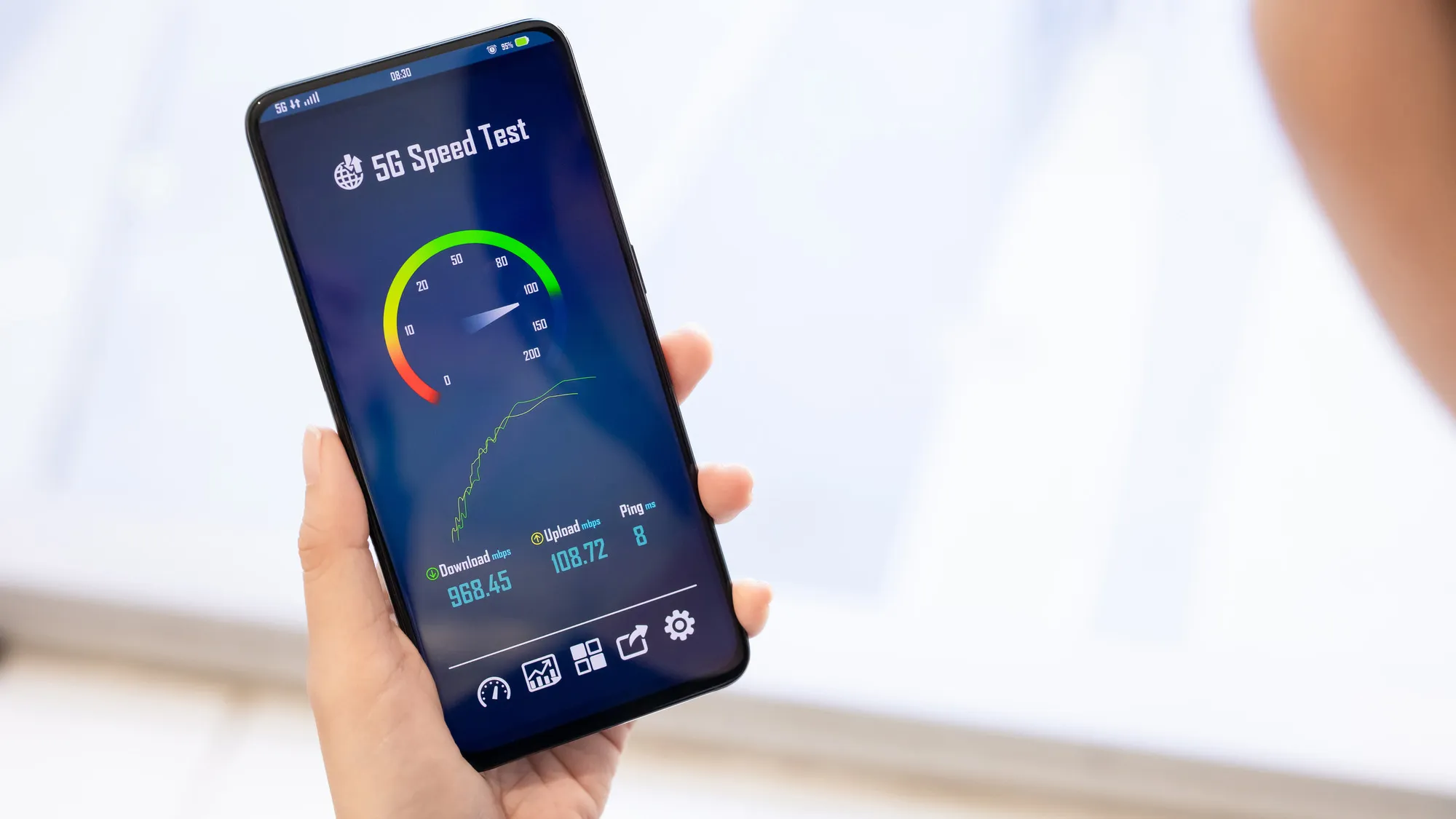
Common Causes of Slow Mobile Internet
| Cause | How to Spot It | Quick Fix |
|---|---|---|
| Network congestion | Slows during specific times (rush hour, events) | Wait it out or switch locations |
| Data deprioritization | Speed drops after heavy monthly usage | Check data cap; upgrade plan if needed |
| Weak 5G signal | Phone shows 5G but speeds are poor | Toggle airplane mode to force LTE reconnection |
| Background app downloads | One app shows massive data usage | Restrict background data for that app |
| Physical interference | Slows indoors, basements, or during storms | Move near a window or to higher ground |
| Phone software issue | Only your device is affected | Restart, update OS, or reset network settings |
Pros & Cons of Troubleshooting Yourself
| Pros | Cons |
|---|---|
| Saves time compared to waiting on hold with your carrier | Some issues (tower outages) are completely out of your control |
| Often fixes the problem in under five minutes | Resetting network settings wipes saved Wi-Fi passwords |
| Helps you understand if the issue is your phone or the network | Can be frustrating if multiple factors are at play |
| Gives you leverage when you do call your carrier | Doesn’t fix carrier-side throttling or tower maintenance |
Expert Tip
Download a network analyzer app like Cellular-Z (Android) or Network Cell Info (iOS). These apps show you exactly which cell tower you’re connected to, what band you’re on, and your real signal quality — not just the misleading bars on your status bar. If your signal quality (RSRP) is worse than -100 dBm, you’re in a weak zone no matter how many bars you see. Armed with that data, you can either move to a better spot or confidently tell your carrier that their coverage map is lying.
FAQ
Why is my internet slow even with full bars?
Signal bars measure strength, not speed. You can have strong signal to a congested tower, or strong signal on a slow band like low-band 5G. Bars alone don’t tell the full story.
Does turning 5G off help?
Sometimes, yes. If your phone is clinging to a weak 5G signal, forcing it to LTE can actually improve speeds and stability. You can disable 5G in your phone’s network settings.
Can a VPN slow down mobile data?
Absolutely. VPNs route your traffic through remote servers, which adds latency and can reduce speeds by 20–50%. If your internet suddenly slowed, try disconnecting your VPN first.
Will a factory reset fix slow internet?
Only if the problem is software-related on your device. If the issue is network congestion, carrier throttling, or a dead zone, a factory reset won’t help at all.
How do I know if my carrier is throttling me?
Run a speed test at the start of your billing cycle and again after you’ve used 20+ GB. If speeds drop significantly after heavy usage, deprioritization is likely in effect.
Final Thoughts
Slow mobile internet is one of those modern frustrations that feels random but rarely is. There’s almost always a reason — congestion, deprioritization, background apps, physical barriers, or a confused phone clinging to the wrong signal. The good news is that most of these problems are temporary and fixable.
Before you blame your carrier or buy a new phone, run through the checklist. Check your data usage. Toggle airplane mode. Move to a window. Test another device. Nine times out of ten, you’ll find the culprit in under five minutes. And if you don’t? At least you’ll have the data to make your carrier support call a lot shorter.
━━━━━━━━━━━━━━━━━━
🎥 Recommended Video
https://www.youtube.com/results?search_query=why+is+my+mobile+internet+so+slow

No comments:
Post a Comment