
PC upgrades used to be simple. More RAM, faster CPU, bigger SSD — done. But 2026 changed the equation. Microsoft, Intel, AMD, and Qualcomm have all bet on something new: the NPU, a dedicated AI chip that’s quietly becoming the most important component in your next computer. And millions of people are upgrading not because their old PC is broken, but because it literally can’t run the AI features that are now baked into Windows 11.
Here’s why the upgrade wave is happening — and whether you actually need to join it.
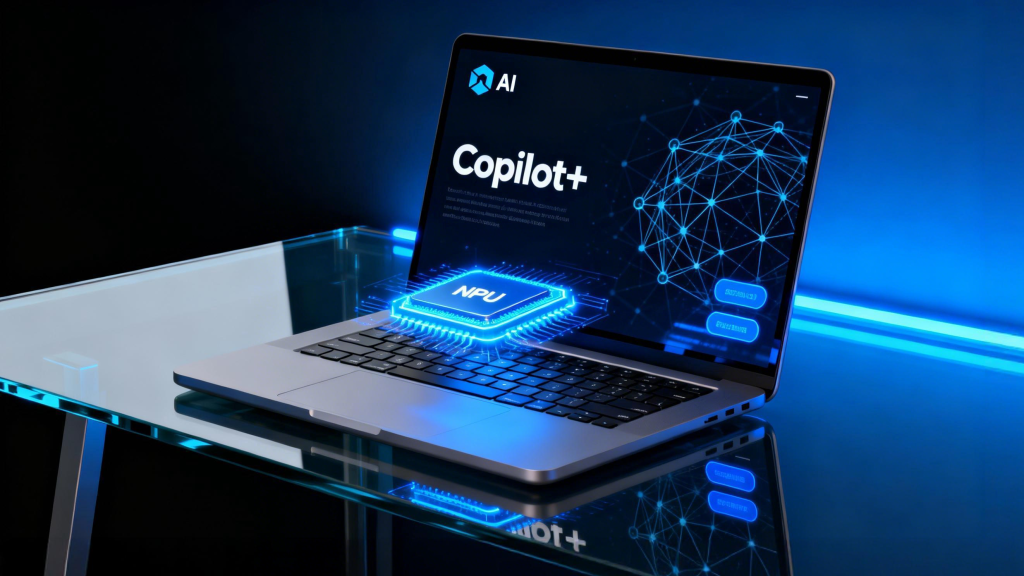
The NPU: Your PC’s New Brain for AI
An NPU, or Neural Processing Unit, is a specialized chip designed to handle AI workloads locally — things like image recognition, real-time translation, voice processing, and generative AI tasks. Unlike your CPU, which is a generalist, or your GPU, which excels at graphics, an NPU is built specifically for the math that powers neural networks.
Microsoft’s threshold for a “Copilot+ PC” is an NPU capable of at least 40 TOPS — trillion operations per second. That sounds like marketing jargon, but it matters because Windows 11 is increasingly gating AI features behind this hardware requirement. Without a 40+ TOPS NPU, your PC can’t run Recall, Click to Do, enhanced Windows Search, or Live Captions with real-time translation.
The current qualifying chips include Qualcomm’s Snapdragon X series, Intel’s Core Ultra 200V and 300V series, and AMD’s Ryzen AI 300 and 400 series. If your PC is more than a year or two old, it almost certainly doesn’t have one of these.
What You’re Actually Missing Without an AI PC
The gap between a standard Windows 11 PC and a Copilot+ PC is widening fast. Here’s what the NPU unlocks:
Recall creates a searchable timeline of everything you’ve done on your PC — screenshots, documents, web pages — using image-to-text recognition. It’s controversial from a privacy standpoint, but undeniably powerful for finding that email you saw three days ago.
Click to Do lets you interact with anything on your screen contextually. Highlight text, and AI suggests summarizing, rewriting, or searching. Click an image, and it offers to remove the background or restyle it. All of this happens locally, without sending your data to the cloud.
Live Captions with Translation transcribes and translates audio from 40+ languages in real time, even offline. For anyone who watches international content or works with global teams, this is genuinely transformative.
Windows Studio Effects uses the NPU to power AI-driven video enhancements during calls — automatic framing, background blur, eye contact correction, and voice focus. These used to require third-party software or cloud processing. Now they run silently on your device.
Microsoft also claims Copilot+ PCs can save up to 5 hours per user per week and cover 70% of breach vectors through enhanced security — numbers from a Forrester study that, while commissioned by Microsoft, reflect real productivity gains for knowledge workers.
But Here’s the Twist: Microsoft Is Changing the Rules
At Build 2026, Microsoft sent a surprising signal. CEO Satya Nadella emphasized that developers can now “count on building for local onboard AI and have it run across all of the install base” — not just Copilot+ PCs. The company is expanding AI features beyond the NPU-gated ecosystem, especially with new Nvidia-powered hardware that leverages GPUs for local AI instead of dedicated NPUs.
This is a big deal. It means the agentic future of Windows — AI agents that perform tasks across apps — won’t require a Copilot+ PC. Microsoft’s own messaging has shifted from “buy new hardware for AI” to “AI for everyone, eventually.” The Copilot+ PC brand, which was the centerpiece of Microsoft’s 2024 and 2025 strategy, was barely mentioned at Build 2026.
For buyers, this creates a dilemma. Do you upgrade now for the current crop of NPU-exclusive features? Or do you wait for Microsoft to democratize AI across all Windows 11 devices?
Who Should Upgrade — and Who Should Wait
If you’re on Windows 10, the decision is easier. Support officially ended in October 2025, and staying on an unsupported OS is a security risk. Upgrading to a Copilot+ PC kills two birds with one stone: you get a modern, secure machine and access to the most advanced AI features Windows offers today.
For Windows 11 users with recent hardware, the math is fuzzier. If your current PC handles your workflow fine and you don’t need real-time translation, local image generation, or Recall-style search, there’s no urgent reason to upgrade. Many AI features — like Copilot chat, cloud-based image generation, and basic Windows AI tools — work on any Windows 11 device.
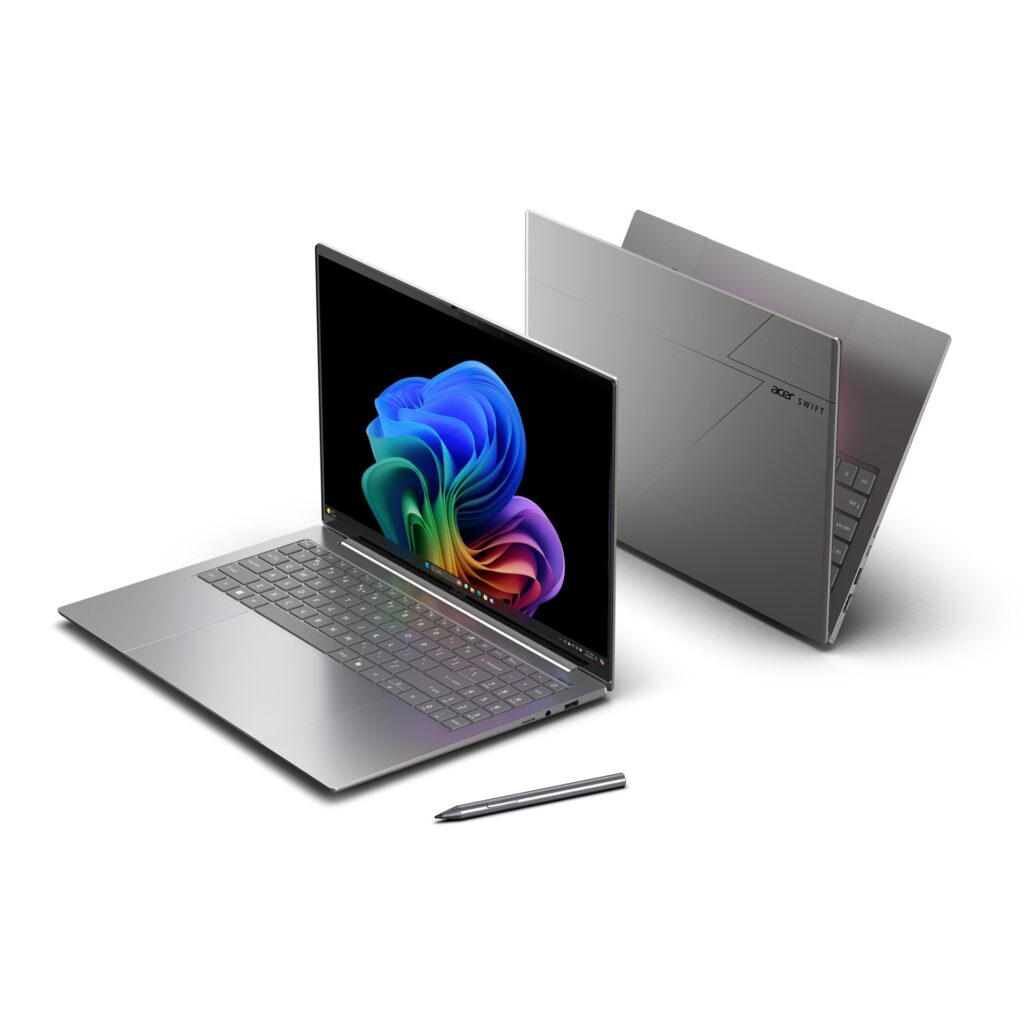
However, if you’re a professional who values on-device privacy, works offline frequently, or wants the smoothest video call experience without cloud dependency, the NPU hardware is genuinely useful. ARM-based Copilot+ PCs like the Snapdragon X series also deliver exceptional battery life — up to 22 hours of local video playback, according to Microsoft — which is a compelling reason to upgrade on its own.
Pros & Cons at a Glance
| Pros | Cons |
|---|---|
| Access to exclusive AI features like Recall, Click to Do, and Live Captions | Microsoft is expanding AI to non-Copilot+ PCs, reducing exclusivity |
| On-device processing improves privacy and works offline | Most AI features are still evolving — some feel like demos, not tools |
| ARM-based models offer exceptional battery life | Gaming performance lags on most Copilot+ PC models |
| Enhanced security with Pluton processor and Secured-core PC | Upfront cost is higher than standard laptops with similar specs |
| Future-proofing as more apps adopt NPU acceleration | Not all apps currently utilize the NPU effectively |
Expert Tip
If you’re shopping for an AI PC in 2026, look beyond the marketing badge. Verify the actual NPU TOPS rating — some laptops advertise “AI-ready” with NPUs that fall short of the 40 TOPS threshold. Check the specific processor: Snapdragon X series, Intel Core Ultra 200V/300V, and AMD Ryzen AI 300/400 series are the current qualifying chips. Also, prioritize 16GB of RAM and an SSD of at least 256GB, as these are baseline requirements for Copilot+ certification. If you’re a gamer, hold off — most Copilot+ PCs lack discrete GPUs, and the AI features don’t justify the gaming compromise yet. For everyone else, the decision comes down to whether you value on-device AI enough to pay the premium today, or whether you’re comfortable waiting for Microsoft to roll those features out to the broader Windows install base.
FAQ
What is a Copilot+ PC and do I need one?
A Copilot+ PC is a Windows 11 device with an NPU capable of 40+ TOPS, 16GB RAM, and 256GB SSD. It unlocks exclusive local AI features like Recall, Click to Do, and Live Captions with translation. You don’t strictly need one — many AI features work on standard Windows 11 PCs via the cloud — but Copilot+ PCs offer faster, private, offline-capable AI processing.
Can I upgrade my existing PC to get AI features?
No. The NPU is a physical chip soldered to the motherboard. You cannot add an NPU to an existing PC. If your current machine lacks a qualifying NPU, the only way to access Copilot+ exclusive features is to buy a new device. However, cloud-based AI features in Windows 11 will still work on your current hardware.
Is the NPU just for AI gimmicks, or is it actually useful?
It’s becoming genuinely useful. Live translation, local image editing, video call enhancements, and intelligent search are practical features that save time. But adoption is still early — not all apps use the NPU, and some features feel more like tech demos than essential tools. The value will grow as developers build more NPU-optimized software.
Are Copilot+ PCs good for gaming?
Generally no. Most Copilot+ PCs rely on integrated graphics and lack discrete GPUs. Gaming performance is limited, especially on ARM-based Snapdragon models where some games require emulation. If gaming is a priority, a traditional gaming laptop or desktop with a dedicated GPU is still the better choice.
Should I wait for AI features to come to all PCs?
Microsoft is indeed expanding AI capabilities beyond Copilot+ PCs, particularly through GPU-accelerated agents. But the most advanced on-device features — Recall, local image generation, real-time translation — will likely remain NPU-gated for the foreseeable future. If you need those features now, upgrade. If you’re patient, waiting 12–18 months could yield more options at lower prices.
Final Thoughts
The 2026 PC upgrade cycle is being driven by a fundamental shift: your computer is no longer just a tool for running apps — it’s becoming an AI partner that anticipates, translates, summarizes, and creates. The NPU is the hardware enabler for that vision, and Microsoft has made it clear that the best Windows experiences will increasingly require one.
But the story is more nuanced than “buy new or be left behind.” Microsoft itself is hedging, expanding AI access beyond the Copilot+ walled garden while still reserving the most powerful features for NPU-equipped machines. For Windows 10 holdouts, the upgrade is practically mandatory. For current Windows 11 users, it’s a value judgment — and one that will look different a year from now as the software catches up with the hardware.
If you’re buying a laptop today, getting an NPU is smart future-proofing. If your current PC works fine and you’re not itching for AI-powered features, waiting isn’t foolish — it’s patient. The AI PC revolution is real, but it’s also still unfolding.
🎥 Recommended Video
https://www.youtube.com/results?search_query=Copilot+Plus+PC+AI+upgrade+2026+NPU+explained

No comments:
Post a Comment