
Your laptop used to sit quietly on the desk, barely warm to the touch. Now the fan sounds like a jet engine, the keyboard feels like a stovetop, and you're pretty sure you could fry an egg on the palm rest. Something changed. It didn't happen overnight, but somewhere between last summer and now, your PC turned into a space heater.
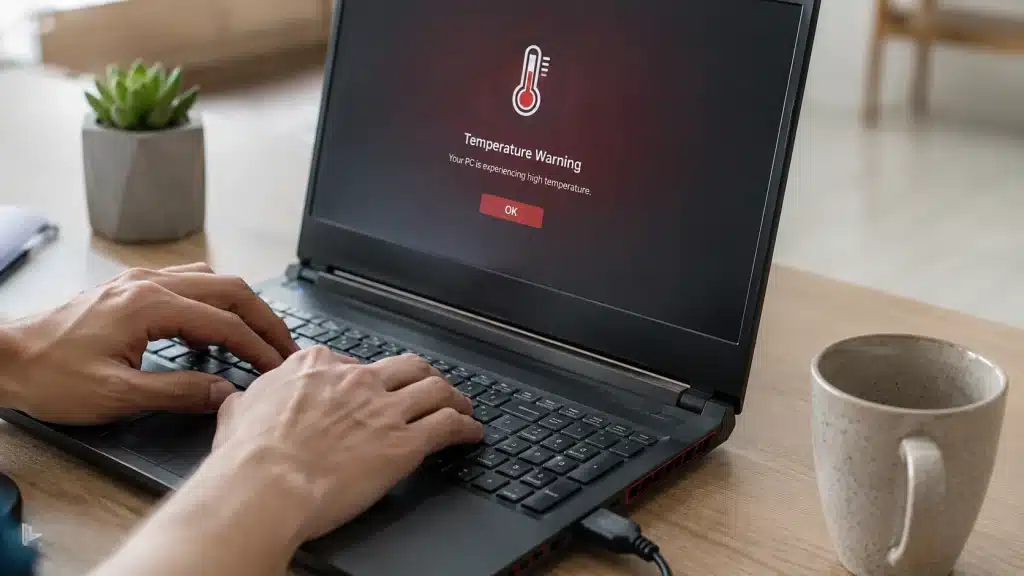
The real reason isn't a virus, a broken fan, or some mysterious Windows update sabotaging your hardware. In most cases, it's a combination of three silent culprits that build up so gradually you don't notice them until your system starts thermal throttling. Dust clogging the heatsink, dried-out thermal paste, and background processes hogging your CPU. Let's break down what's actually happening and how to fix it before your hardware starts suffering permanent damage.
Dust Is the Silent Killer
Dust is enemy number one, and it's sneakier than you'd expect. Your PC's cooling system pulls air through vents, across heatsink fins, and out exhaust ports. Over months, that airflow carries pet hair, carpet fibers, and microscopic particles that coat the inside of your machine like insulation. The more dust builds up, the less heat gets carried away. Your fans spin faster to compensate, which pulls in even more dust. It's a vicious cycle.
The fix is simpler than most people think. For desktops, power down, unplug everything, and open the side panel. A can of compressed air, a soft brush, and ten minutes of patience will knock loose years of buildup. Pay special attention to the CPU cooler fins, GPU heatsink, and any intake filters. For laptops, the process is trickier because everything is packed tight, but most models have bottom panels you can remove with a standard Phillips head. Blow out the vents, clear the fan blades gently with a cotton swab, and watch temperatures drop by 10 to 20 degrees immediately.
Thermal Paste Doesn't Last Forever
Thermal paste is the second culprit, and it's the one nobody thinks about. That gray goop between your CPU and its cooler is responsible for transferring heat efficiently. Over time, it dries out, cracks, and loses its conductivity. Most manufacturers use cheap compound that starts degrading after two to three years. High-end aftermarket paste can last five years or more, but stock paste? Not so much.
When thermal paste fails, your CPU can't shed heat properly even if the fan is running at full blast. You'll see idle temperatures creep up into the sixties and seventies Celsius, and under load your system will hit thermal limits within seconds. The solution is a repaste. For desktops, it's a twenty-minute job involving rubbing alcohol, a microfiber cloth, and a pea-sized dot of fresh thermal compound. For laptops, it's more involved, often requiring full disassembly, so many users opt for a repair shop unless they're comfortable with delicate ribbon cables.
Background Processes Are Cooking Your CPU
Background processes are the third silent heater. Modern apps love to run updates, sync cloud files, and index your hard drive the moment you step away from the keyboard. Chrome alone can spawn dozens of background tasks. Windows Search indexing, antivirus scans, and game launchers all compete for CPU cycles, which generates heat even when you're not actively doing anything.
Open Task Manager with Ctrl+Shift+Esc and sort by CPU usage. If something is consistently chewing through 20% or more of your processor while idle, investigate it. Disable startup programs you don't need, limit background app permissions in Windows Settings, and consider switching from Chrome to a lighter browser if your machine is struggling. Every percentage point of CPU usage you eliminate is heat you don't have to dissipate.
Your Lap Is Part of the Problem
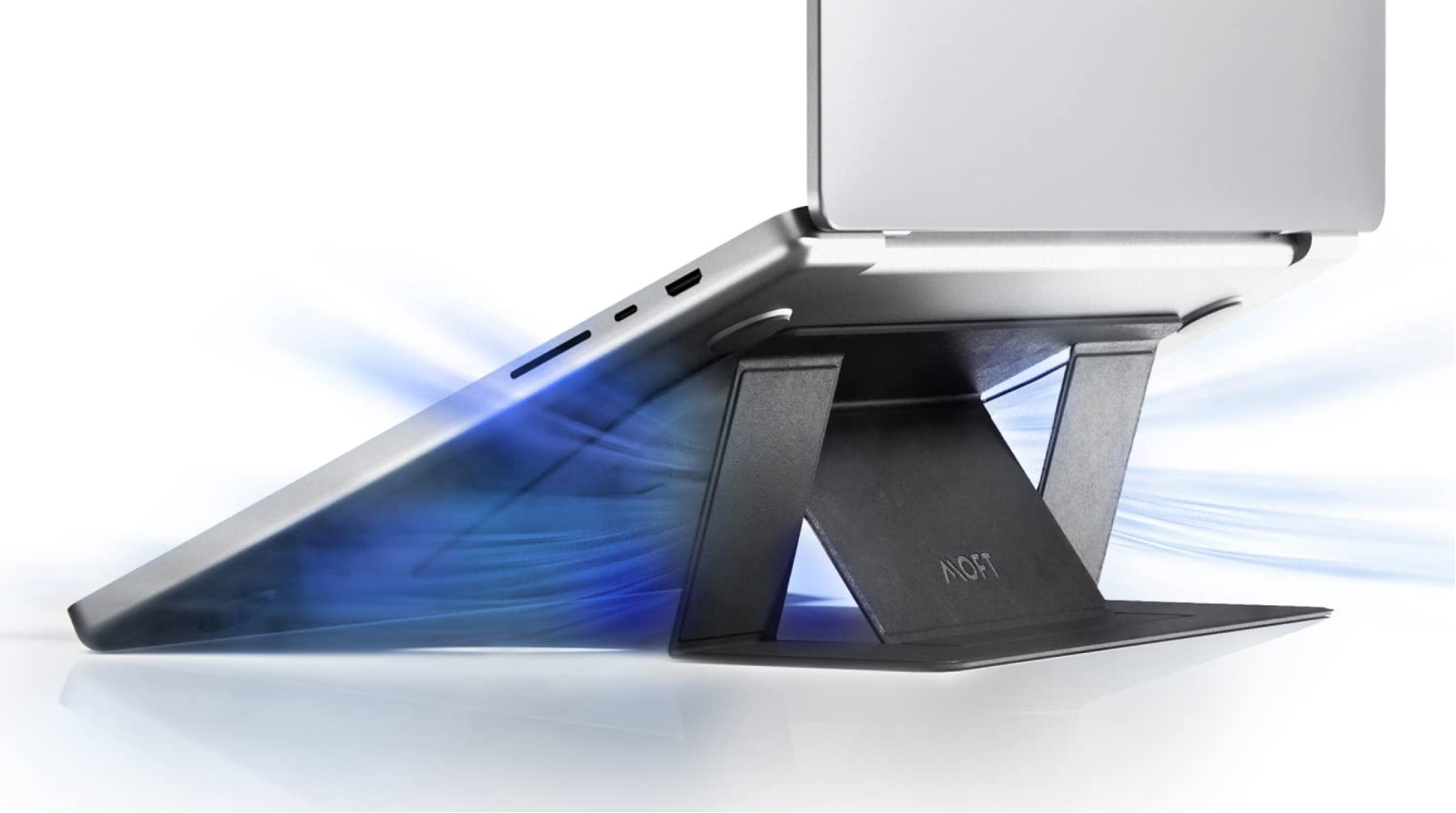
Blocked vents are an underrated cause, especially for laptop users. Working from bed, resting your machine on a pillow, or using it on a carpeted floor can smother the intake vents on the bottom. Without airflow, even a clean machine will overheat. A simple laptop stand, a hard book, or even a couple of rubber feet to lift the base can restore circulation and drop temperatures significantly.
Air Cooling vs Liquid Cooling
Not all cooling solutions are equal. Here's how the two main approaches compare for the average user.
| Factor | Air Cooling | Liquid Cooling |
|---|---|---|
| Cost | $20 to $80 for aftermarket coolers | $80 to $250 for AIO units |
| Setup | Simple bolt-on installation | More complex, requires case space |
| Noise | Moderate to high under load | Quieter, especially at idle |
| Best For | Most desktops and budget builds | High-end CPUs and overclocking |
| Laptop Compatible | Built-in, can't be upgraded | Rare, only on select gaming models |
Pros and Cons
Pros
- Most fixes are free or cost under $10 in supplies
- Immediate temperature drops after cleaning or repasting
- Extends the lifespan of your CPU and GPU
- Reduces fan noise dramatically
- Restores performance lost to thermal throttling
Cons
- Opening a laptop can void the warranty
- Repasting requires some technical confidence
- Liquid cooling carries a small leak risk
- Some fixes are temporary and need repeating every year or two
- Very old hardware may simply need replacement
Expert Tip
Here's something most guides won't tell you. If your PC is running hot but you're not ready to open it up, try undervolting your CPU. Undervolting reduces the amount of voltage your processor receives without affecting clock speeds. Less voltage means less heat, often with zero performance loss. Intel users can try Intel Extreme Tuning Utility. AMD users have Ryzen Master. Both tools let you dial back voltage in small increments until you find a stable setting. I've seen laptops drop 15 degrees Celsius just from a modest undervolt, and the best part is it's completely reversible.
Frequently Asked Questions
Why did my PC suddenly start overheating after years of being fine?
It's usually a combination of accumulated dust and degraded thermal paste reaching a tipping point. Background apps and seasonal temperature changes can push it over the edge.
Can overheating damage my PC permanently?
Yes, sustained high temperatures can degrade silicon, reduce battery life in laptops, and cause thermal throttling that makes everything feel sluggish. In extreme cases, repeated overheating can kill components entirely.
How hot is too hot for a CPU?
Most modern CPUs throttle around 90 to 100 degrees Celsius. Ideally, you want to stay under 80 under load and under 50 at idle. Laptop CPUs run hotter than desktops due to smaller cooling systems.
Is it safe to use my laptop on a pillow or blanket?
Not really. Soft surfaces block intake vents and trap heat. If you must use it in bed, get a hard lap desk or a cooling pad with built-in fans.
Should I replace my stock cooler with an aftermarket one?
For desktops, absolutely if you're running hot. A $30 tower cooler can outperform most stock solutions by a wide margin. For laptops, you're stuck with the built-in design, so cleaning and repasting are your best options.
Final Thoughts
A hot PC isn't just uncomfortable. It's a warning sign that your hardware is working harder than it should, and that extra strain shortens its lifespan. The good news is that the root causes are almost always fixable with basic maintenance.
Start with the simple stuff. Check your vents, clean the dust, and see what's running in the background. If your machine is more than three years old, consider a repaste. And if you're feeling adventurous, undervolt your CPU for an instant temperature drop with no hardware required.
Your PC doesn't have to sound like a hair dryer. With a little attention, it can run cool, quiet, and efficient again, just like it did when you first pulled it out of the box.
🎥 Recommended Video
https://www.youtube.com/results?search_query=How+to+Fix+PC+Overheating+Thermal+Paste+Cleaning

No comments:
Post a Comment