
Introduction
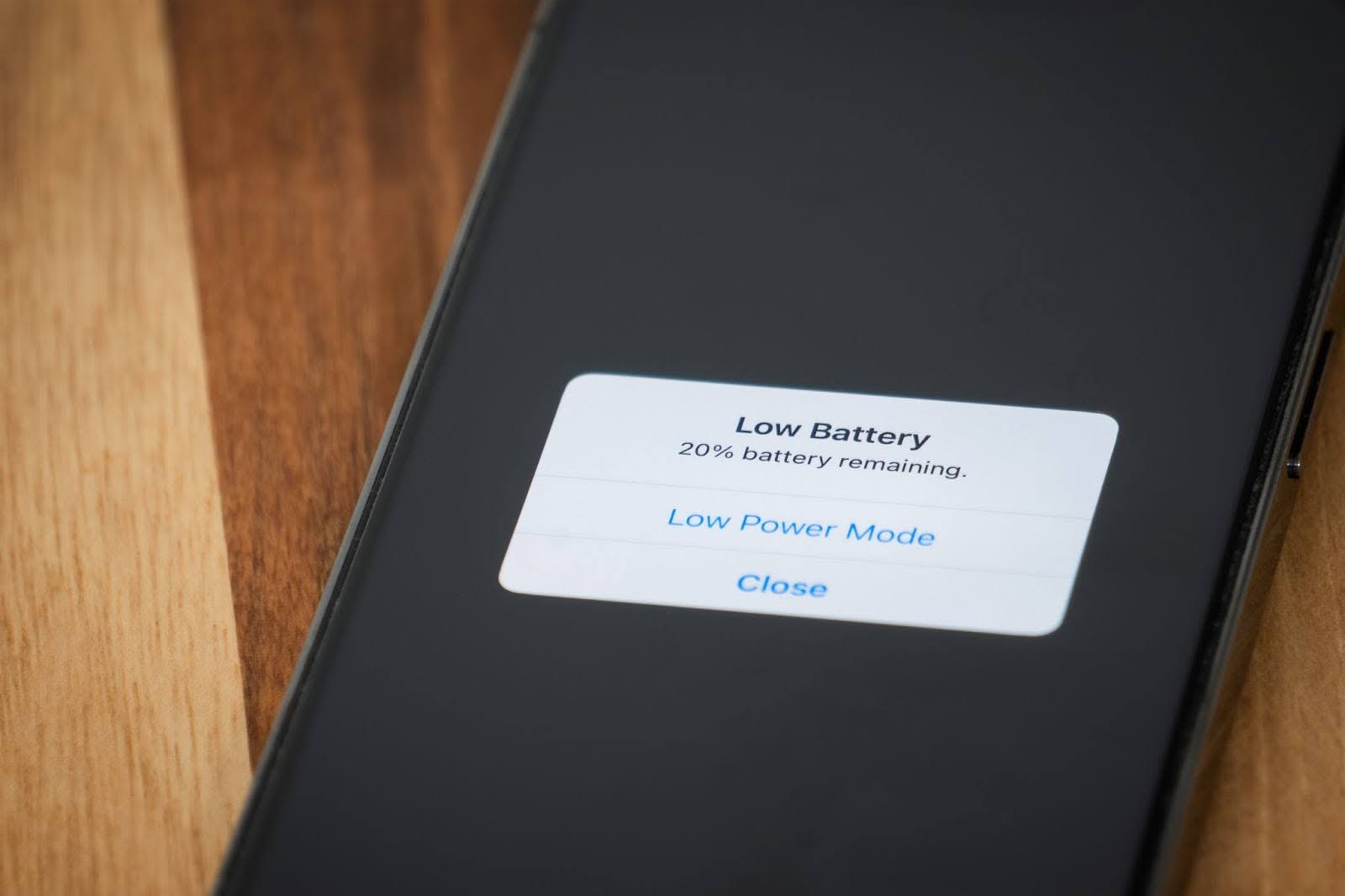
You just unplugged your iPhone from the charger. It said 100%. You checked a few texts, scrolled Instagram for maybe five minutes, and suddenly it’s at 82%. What happened? If this scenario feels painfully familiar, you’re not imagining things — and you’re definitely not alone.
iPhone battery drain is one of the most common complaints Apple users have, and it’s gotten more frustrating as phones have gotten more powerful. The good news? Most of the time, the culprit isn’t a broken battery. It’s a handful of settings and habits that are quietly sucking power faster than you realize. Let’s break down why your iPhone battery drops so fast after charging and what you can actually do about it.
Your Screen Brightness Is Working Overtime
The display is the single biggest battery hog on any smartphone, and the iPhone is no exception. If you’ve got brightness cranked up to max or you’re using auto-brightness in a way that keeps it unnecessarily high, your battery is bleeding power every second the screen is on.
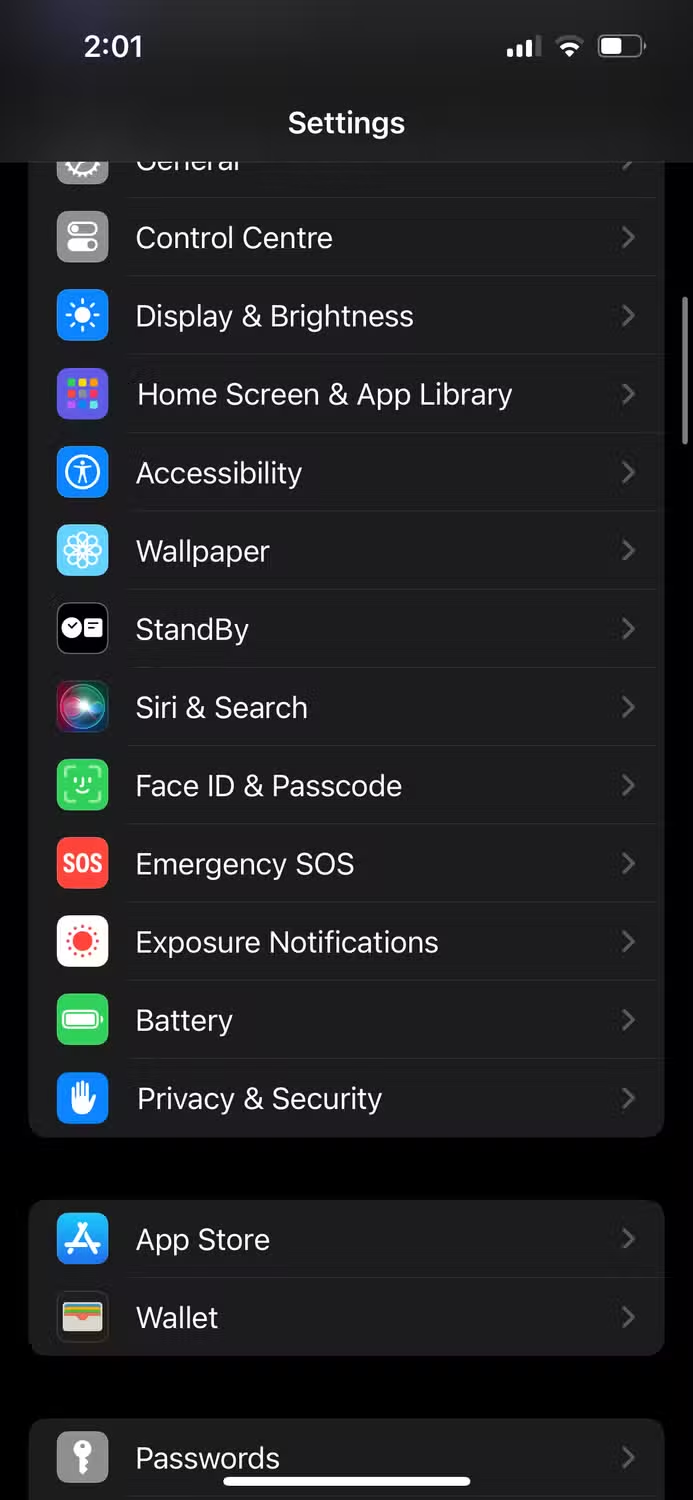
Apple’s OLED screens on newer iPhones look gorgeous at full brightness, but that beauty comes at a cost. Dropping brightness even 20-30% can add hours of usable time. Better yet, enable Dark Mode. On OLED iPhones, dark pixels are literally turned off, which saves meaningful power. Go to Settings > Display & Brightness and switch to Dark. Your eyes might thank you too.
Background App Refresh Is Sneakier Than You Think
Apps like Facebook, Instagram, and even your email client are constantly refreshing content in the background so everything feels instant when you open them. The problem? That convenience burns through battery even when your phone is sitting in your pocket.
Head to Settings > General > Background App Refresh and turn it off entirely, or at least disable it for apps you don’t need updating constantly. You’ll still get notifications. The apps will just fetch new content when you actually open them. For most people, that’s a trade-off worth making.
Location Services Are Tracking You Constantly
Every app that asks for your location isn’t just using it when you’re actively using the app. Many request “Always” access, which means they’re pinging GPS, Wi-Fi, and cellular towers all day long. That’s a massive battery drain.
Go to Settings > Privacy & Security > Location Services and audit every app. Switch most of them to “While Using” or “Never.” Only keep “Always” for apps that genuinely need it — like Find My or your preferred navigation app. For everything else, your battery will notice the difference immediately.
Push Email and Constant Fetching
If your iPhone is set to fetch new emails every 15 minutes, that’s 96 times a day your phone is waking up, connecting to the server, and checking for messages. Even if nothing’s there, the process costs battery.
Switch to manual fetch or push if your email provider supports it. Go to Settings > Mail > Accounts > Fetch New Data. Set it to “Manually” or increase the interval to “Hourly.” Unless you’re waiting on time-sensitive emails, you won’t notice the delay — but your battery definitely will.
Your Battery Itself Might Be Aging
Lithium-ion batteries degrade over time. It’s physics. After about 500 charge cycles, an iPhone battery holds roughly 80% of its original capacity. If your phone is a couple years old and you’re noticing faster drain, the battery itself might be the issue.
Check your battery health at Settings > Battery > Battery Health & Charging. If Maximum Capacity is below 80%, Apple recommends replacing it. A new battery can feel like getting a brand new phone. Apple’s battery replacement service is relatively affordable, and third-party shops can do it even cheaper if you’re out of warranty.
Comparison Table: Battery Drains and Their Fixes
| Battery Drain Source | How to Fix It | Impact | Time to Apply |
|---|---|---|---|
| High screen brightness | Lower brightness, enable Dark Mode | High | 30 seconds |
| Background App Refresh | Turn off in Settings > General | Moderate to high | 1 minute |
| Location Services | Limit to “While Using” | High | 2 minutes |
| Push/fetch email | Set to manual or hourly | Moderate | 1 minute |
| Aging battery | Replace battery | Very high | 1–2 hours (service) |
| 5G connectivity | Switch to LTE in weak signal areas | Moderate | 30 seconds |
Pros & Cons
Pros: These fixes are free, fast, and can dramatically extend your iPhone’s daily battery life. Many users report getting an extra 2–4 hours of screen time just from adjusting settings. No new hardware required.
Cons: Disabling background refresh and location services means some apps won’t feel quite as instant. You might wait a second longer for Instagram to load fresh posts. For most people, that’s a minor trade-off. Also, if your battery is physically degraded, no amount of settings tweaking will fully solve the problem.
Expert Tip
Apple technicians and battery experts agree on one thing: heat is the silent killer of lithium-ion batteries. Charging your iPhone while it’s under a pillow, in a hot car, or while running intensive games accelerates chemical degradation. For maximum battery longevity, charge between 20% and 80% when possible, avoid wireless charging in warm environments, and never leave your phone baking on a dashboard in summer. Small temperature habits add up to years of extra battery life.
FAQ
Is it bad to charge my iPhone overnight?
Modern iPhones have optimized battery charging that learns your routine and slows charging past 80% until you typically wake up. It’s generally safe, but if you want to be extra cautious, use a smart plug or charge before bed instead of leaving it plugged in all night.
Does Low Power Mode actually help?
Yes, significantly. It reduces background activity, lowers screen brightness, and limits visual effects. You’ll notice the difference immediately. The trade-off is slightly slower app launching and disabled mail fetch.
Should I close all my apps to save battery?
Surprisingly, no. iOS is designed to freeze background apps efficiently. Force-closing and reopening them actually uses more battery than letting iOS manage them. Only close apps that are actively misbehaving.
Why does my battery drop faster in cold weather?
Lithium-ion batteries temporarily lose capacity in cold temperatures. If your iPhone shuts off unexpectedly in the cold, it’s protecting itself. Warm it up in your pocket and it should return to normal.
When should I replace my iPhone battery?
If Battery Health shows Maximum Capacity below 80%, or if you’re experiencing unexpected shutdowns and severe drain, it’s time. Apple replaces batteries for $69–$99 depending on the model.
Final Thoughts
Fast battery drain after charging isn’t something you just have to live with. In most cases, it’s a few settings working against you — screen brightness, background refresh, location tracking, and email fetching. Fix those, and you’ll likely see a dramatic improvement without spending a dime.
If your phone is older and the battery health is declining, a replacement is the smartest investment you can make. A fresh battery can transform a two-year-old iPhone into something that feels brand new. Start with the free fixes, monitor your battery health, and make the hardware call when the numbers tell you it’s time. Your iPhone’s battery life is mostly in your hands.
━━━━━━━━━━━━━━━━━━
🎥 Recommended Video
https://www.youtube.com/results?search_query=iPhone+Battery+Draining+Fast+Fix+Settings
━━━━━━━━━━━━━━━━━━

No comments:
Post a Comment